Free · Android · No subscription

Every meeting,
transcribed and summarized.

Scribe records your meetings, transcribes them with AI, and hands you a clean summary with action items — automatically, in the language you speak.

Version 0.1.1 ~63 MB APK Android 8+
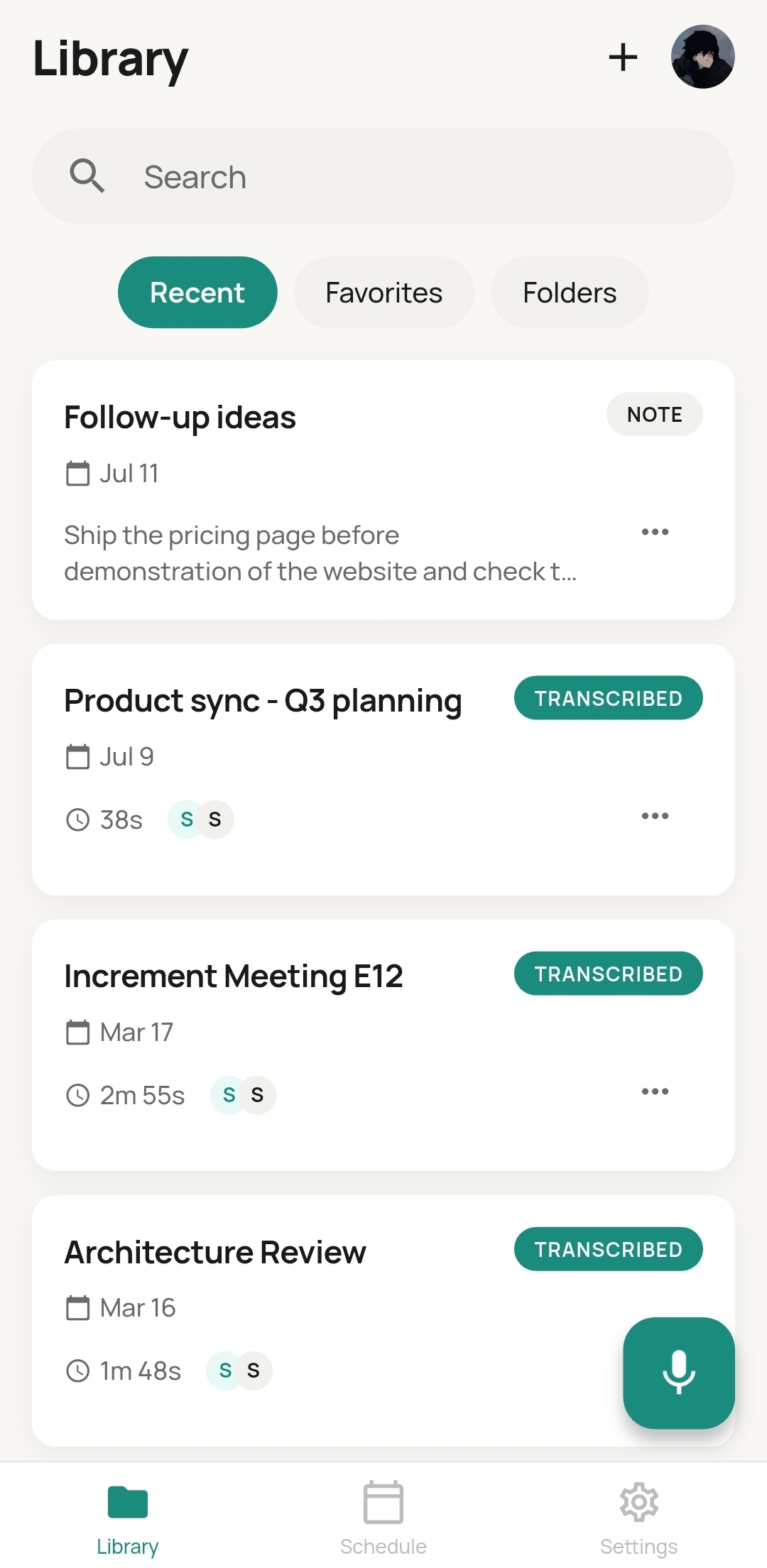
Scribe library screen
AIWhisper-grade transcription
100+Languages, auto-detected
On-deviceRecordings stay private
FreeNo subscription
Demo

See Scribe in action.

From spoken words to a clean, summarized transcript — in three steps.

Features

Everything you need after you hit record.

Scribe turns a raw recording into something you can actually use — searchable, summarized, and organized.

Record anywhere

One tap to capture any meeting, call, or lecture — with pause and resume when you need it.

AI transcription

Accurate, speaker-aware transcripts. Scribe detects the spoken language automatically — no setup.

Smart summaries

Get key points, highlights, and a checklist of action items generated from every recording.

Translate instantly

Read any transcript or summary in another language, with playback and timing kept in sync.

Schedule & reminders

Plan meetings inside the app and get a reminder 5 minutes before. Tap "Join now" to start recording, already named.

Folders & search

Organize recordings into projects and find anything fast — across every transcript and summary.
How it works

From spoken words to written notes.

1

Record

Open Scribe and hit record. Capture a meeting live, or upload an existing audio file you already have.

2

Transcribe

Scribe detects the language and produces a clean, timestamped transcript you can tap through and edit.

3

Summarize

Get an instant summary, highlights, and action items — ready to share as a PDF or translate in a tap.

Private by design

Your recordings stay on your device.

Recordings, transcripts, and summaries are stored in the app's private storage on your phone — not on our servers. Clear them anytime from Settings.

FAQ

Questions, answered.

Is Scribe free?
Yes. Scribe is free to download and use. There's no subscription.
Why does Android warn about "install from unknown sources"?
Scribe is downloaded directly from this site rather than the Play Store, so Android asks you to confirm the install once. Tap "Allow" when prompted — this is normal for direct downloads. A Play Store listing is planned for the future.
Is there an iPhone version?
Not yet — Scribe is Android-only for now. iOS support may come later.
Where is my data stored?
Your recordings, transcripts, and summaries live in the app's private storage on your device. You can delete them at any time from the Clear Cache option in Settings.
What languages does it support?
Scribe auto-detects the spoken language and can transcribe and translate across 100+ languages.
Contact

Questions? We're happy to help.

Have a question about Scribe, hit a bug, or want to suggest a feature? Reach out and we'll get back to you.

Ready to try Scribe?

Download the app and turn your next meeting into notes you'll actually use.